Alternatively to be sure you have the right mods, I’ve uploaded current copied of the mods that I’m running to the Downloads section. If you head over there, download everything under the minecraft mods section and copy it into your mods menu theoretically you should be good to go!
How to Connect to the Workshop
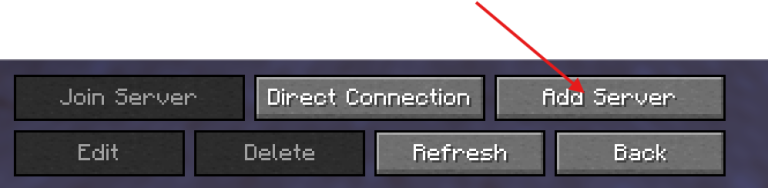
Once you’ve added the mods, fire up your game and head over to the multiplayer menu and add the workshop as follows:
That`s it! Please be sure to join the Discord server to keep up to date on any updates or mods that are added to the server. As well as community build happening.